
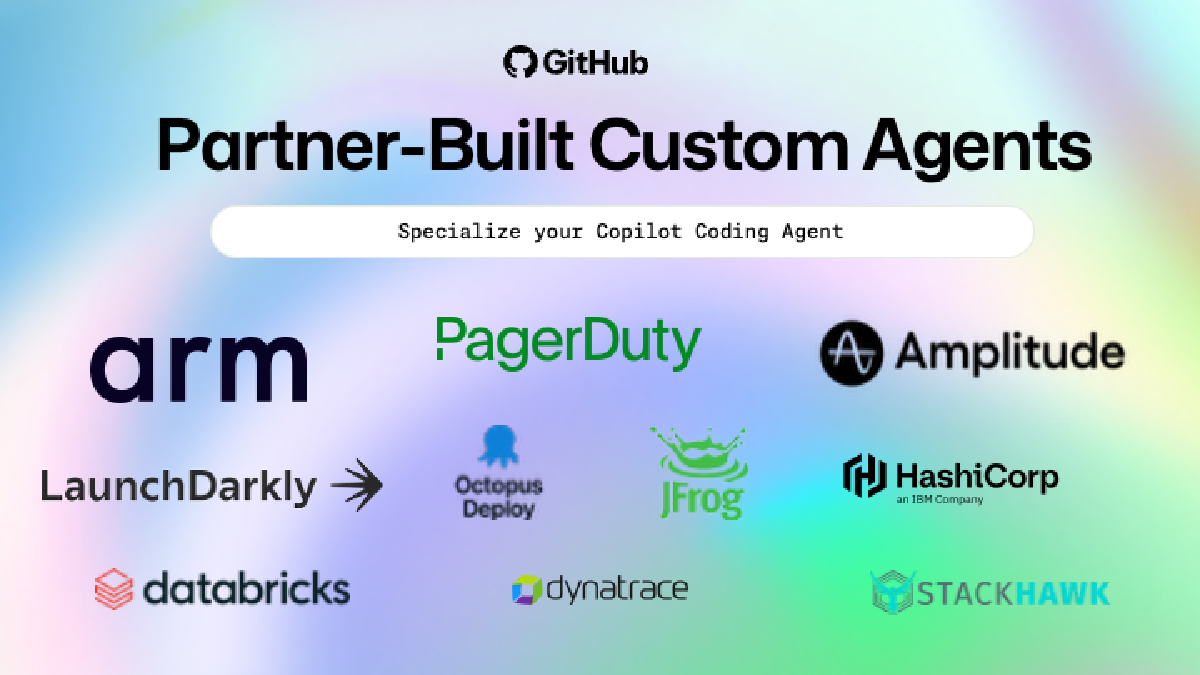

GitHub just launched custom agents for Copilot, making it easy to specialize your coding agent through simple file-based configurations. Drop a markdown file in .github/agents, define your agent’s persona and tools, and Copilot adapts to your team’s specific workflows.
Anyone using GitHub Copilot can define and use custom agents—individual developers, teams, or entire organizations. The feature works across Copilot coding agent on github.com and the Copilot CLI, with VS Code support coming in a future release.
What custom agents actually do#
Think of custom agents as focused teammates with specific expertise. Instead of a general-purpose AI that tries to handle everything, you create agents tailored for particular workflows: a frontend specialist that enforces your React conventions, a security-focused agent that prioritizes compliance checks, or an agent configured with custom Model Context Protocol (MCP) servers for specialized tasks.
The configuration is straightforward. Add a markdown file under .github/agents in your repository or in your organization’s .github repository. Define the agent’s persona with prompts, select which tools it should use, connect MCP servers if needed, and it’s ready.
No separate installation. No complex setup. Just a file in a known location.
Why this matters#
The interesting part isn’t just customization—it’s where the customization lives. By putting agent configurations in your repository or organization settings, GitHub makes specialized AI behaviors part of your codebase infrastructure, not individual developer preferences scattered across different machines.
Your team’s coding conventions, compliance requirements, and custom automations become codified in agent definitions that anyone on the team can invoke. That’s different from everyone prompting a general-purpose AI differently and getting inconsistent results.
The specialization trade-off#
Here’s the question this raises: when you specialize an agent, you’re inherently limiting its scope. A frontend agent optimized for React component conventions might overlook backend API concerns. A security agent focused on compliance might generate verbose, over-engineered code when a simple solution would work.
Specialization means focus, but focus means boundaries. The value of custom agents depends on whether your workflows actually benefit from those boundaries or whether general-purpose AI remains more flexible.
What GitHub isn’t saying#
The announcement emphasizes that custom agents make it “easier to enforce coding conventions, compliance, or custom automations.” That’s true, but enforcement through AI configuration is different from enforcement through code review or automated tooling.
If your team relies on custom agents to maintain standards, what happens when someone forgets to use the right agent? Or when an agent interprets your conventions differently than you intended? The gap between “what the agent was configured to do” and “what it actually does” is where consistency breaks down.
What comes next#
GitHub’s launch partners have already created sample agents available at @github/awesome-copilot. That’s the right move—giving teams working examples to adapt is more useful than starting from scratch.
The broader pattern is clear: AI coding assistants are moving from generic tools to specialized workflows. Custom agents are GitHub’s bet that teams want AI that understands their specific context, not just generic programming patterns.
Whether that bet pays off depends on whether defining and maintaining agent configurations is easier than just prompting a flexible AI differently each time. For teams with well-established conventions and repetitive workflows, probably yes. For everyone else, maybe not yet.
Learn more: Check the custom agents documentation and explore sample agents from GitHub partners.